Share the sky with friends, or sit in one two-seater and practise handling the glider together with a friend or your instructor, each from your own home.
Make a room and send the link. Everyone who opens it flies the same day, the same task and the same weather, in the same region.
The other pilots appear as gliders in their own colours, with their call sign above them. They show on FLARM, on the radar and on the map, so you see who is in your thermal and who is coming.
Thermal markers: mark a thermal from the pause menu and everyone in the room sees an orange column with your call sign for five minutes.
Optional race start: let the start open in 5, 10, 15 or 30 minutes. A countdown runs, then the standings show who finished and who is still on course.
One shared clock: the game runs in real time for everyone.
Up to 16 pilots in a room.
No account name and no chat. Others see only your call sign, your glider type and your flight.
The two-seater: practise together from home
Two pilots, one glider: the ASK 21 or the Grob G 103 Twin II. One pilot sits in front, one behind, as in a real two-seater. Practise with a friend, a club mate or your instructor, wherever each of you is.
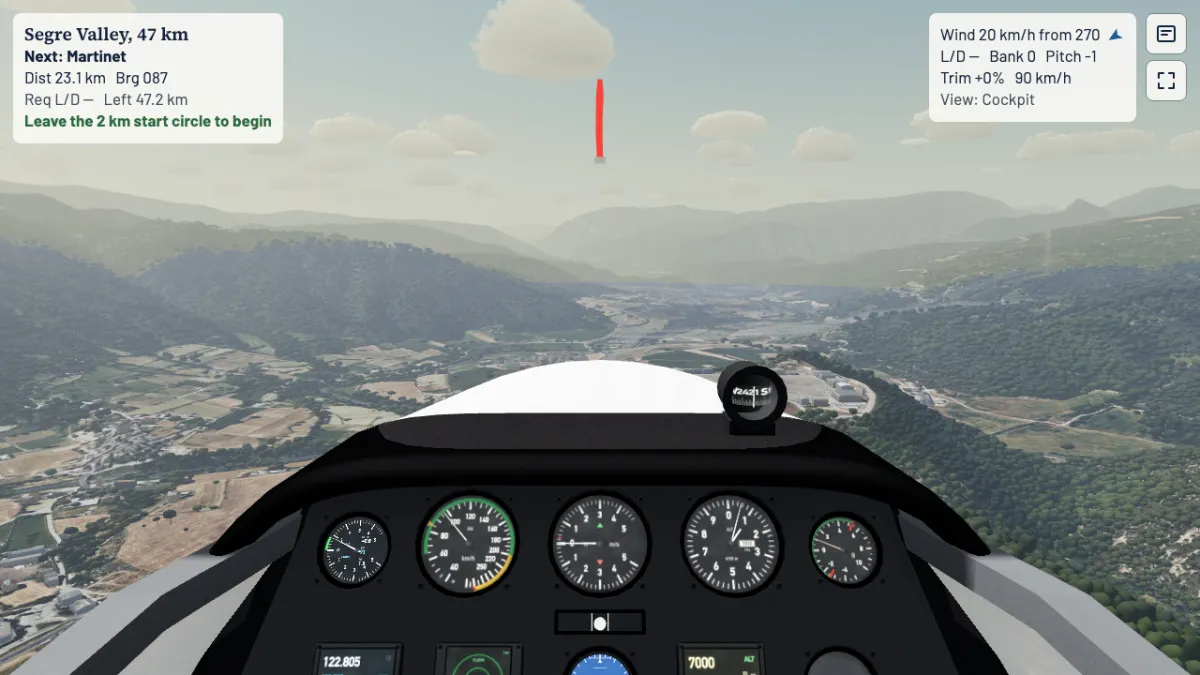
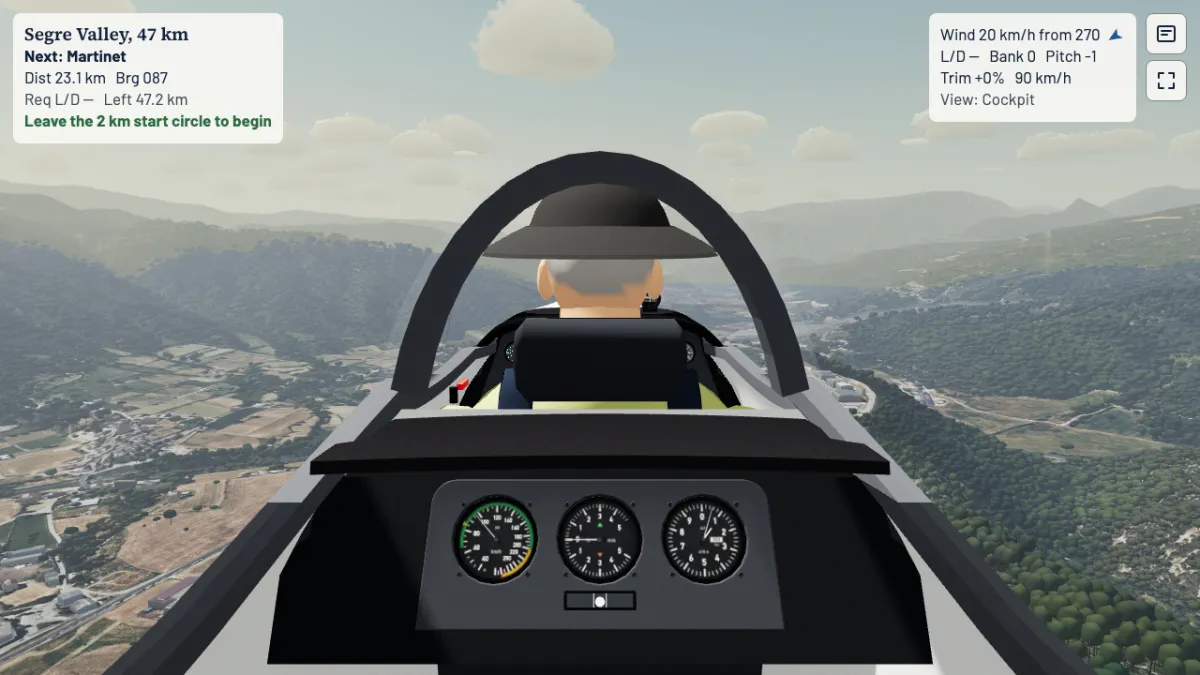
Each seat has its own view. The front seat has the full cockpit. The rear seat has a cockpit of its own, with airspeed indicator, vario and altimeter, and a view past the pilot in front.
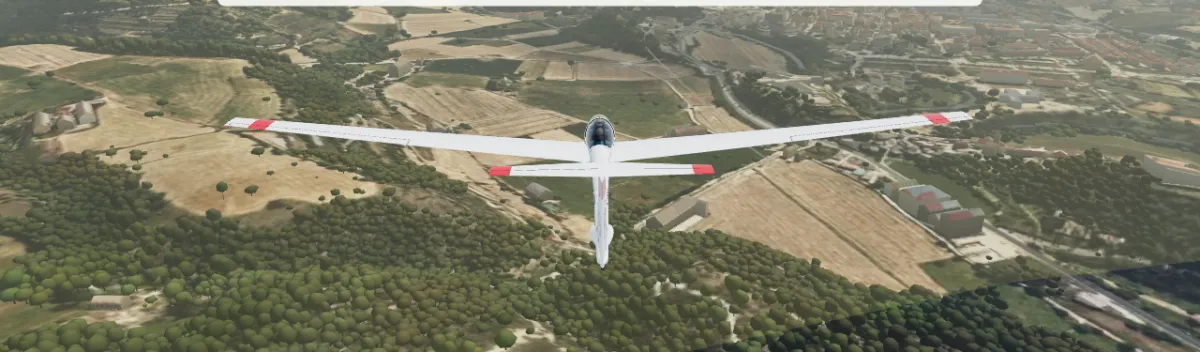
Two pilots, one ASK 21. La Seu d'Urgell, in-game, High
Front seat. ASK 21, La Seu d'Urgell, in-game, High
Rear seat. ASK 21, La Seu d'Urgell, in-game, High
Dual controls
The controls are linked like the sticks of a real two-seater. Both pilots fly at the same time, all the time. The glider follows both sticks: inputs add up, and hands pushing against each other cancel out.
With a SideWinder Force Feedback 2 stick you feel the other pilot's hand: your stick follows the other pilot. Without force feedback you see the other pilot's stick as a ring in the stick box of the display.
The glider is simulated on the front seat's computer and the rear seat sees the same flight smoothly. If one pilot leaves, the other flies on alone.
Start a two-seater flight
The pilot who sits in front opens the Fly tab, chooses Fly online and then Create two-seater room.
Send the link, or the five-character code, to the second pilot.
The second pilot opens the link and takes the rear seat.
The front pilot starts the flight from the Fly tab with any launch. The rear seat follows at once.
Talk to each other as in the air. Say "I have control" when you take over, and the other pilot lets go.